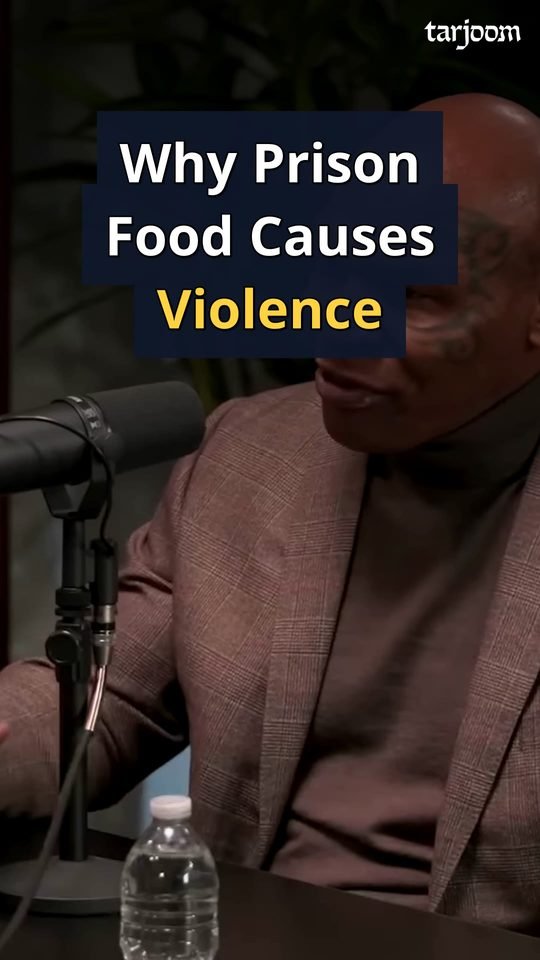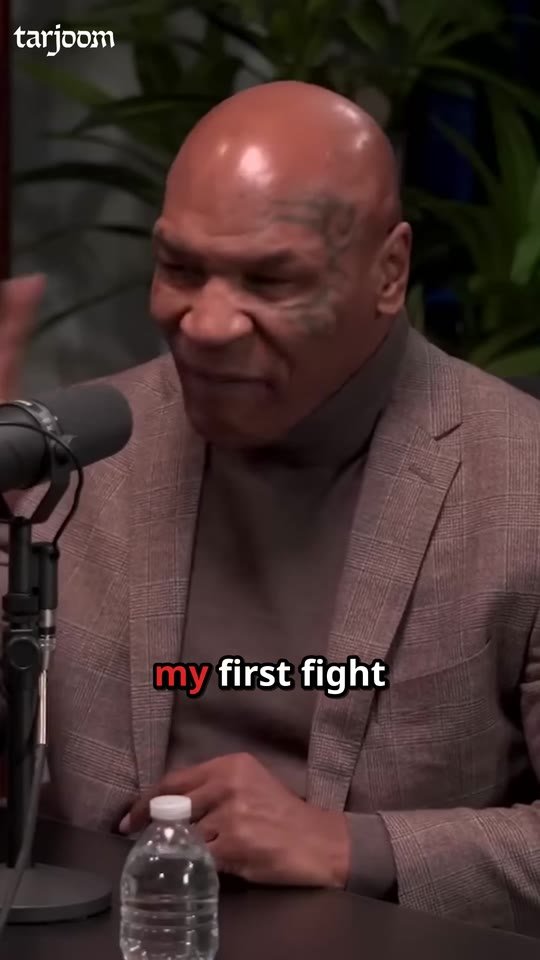
Up to 6 vertical Shorts
The strongest moments that stand on their own, cut tight, framed on whoever is speaking, with bold captions and a hook on screen. Ready for Reels, TikTok and YouTube Shorts.

For podcasters and podcast studios
Upload your episode. Tarjoom sends back up to six ready-to-post Shorts, two episode trailers, covers, captions and every piece of launch copy, branded with your logo and waiting in your inbox, usually within the hour.
No editing skills. Nothing to install. Your first episode is on us.
Delivered for one episode
Every episode hides a dozen moments that could bring you new listeners. Getting them out means re-watching the whole conversation, cutting, captioning, reframing for vertical and writing a post for every network. So most episodes get one announcement and quietly disappear.
Finding the 40 seconds that work without context means watching the hour again. Then come the cuts, the captions and the vertical framing.
Good clip editors are expensive and booked up. Freelancers come and go, and every new one needs your style explained again.
Titles, chapters, a YouTube description, a newsletter, a post for Instagram and another for LinkedIn. Every single week.
Tarjoom does all of it, from one upload.
Each production returns a complete, ready-to-post package. Here is what is inside.
The strongest moments that stand on their own, cut tight, framed on whoever is speaking, with bold captions and a hook on screen. Ready for Reels, TikTok and YouTube Shorts.
40 to 60 seconds of the episode's best moments, stitched into one teaser that sells the full episode.
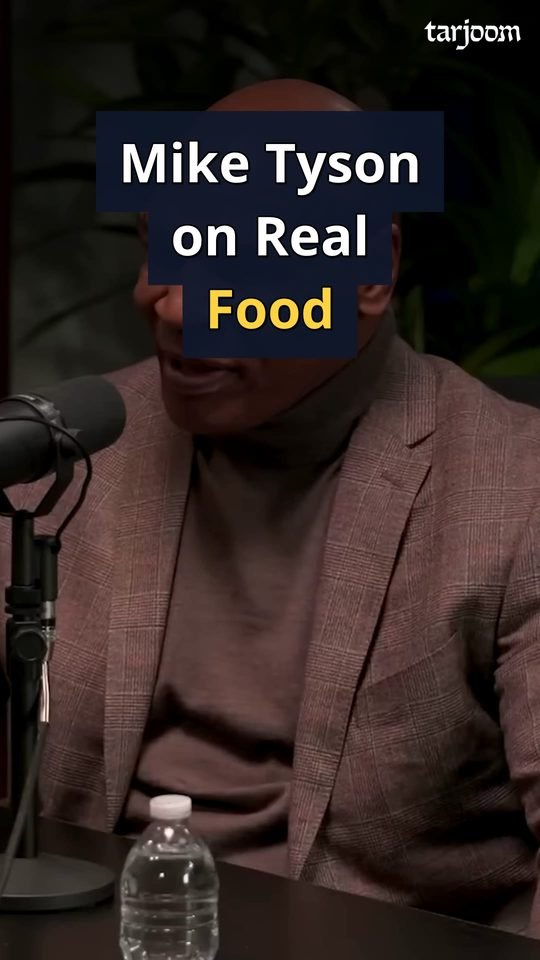
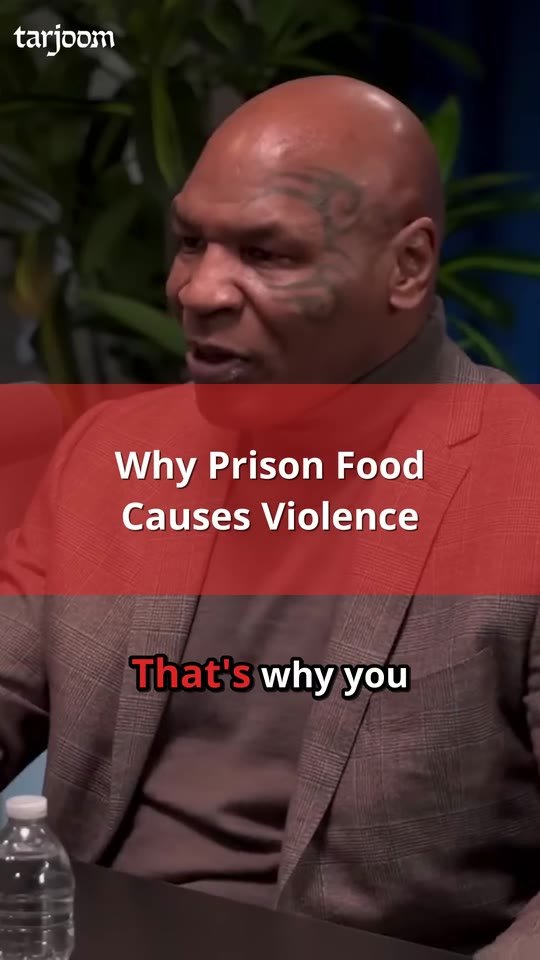
The hook in big, readable type over a frame from the episode, so your grid looks planned.
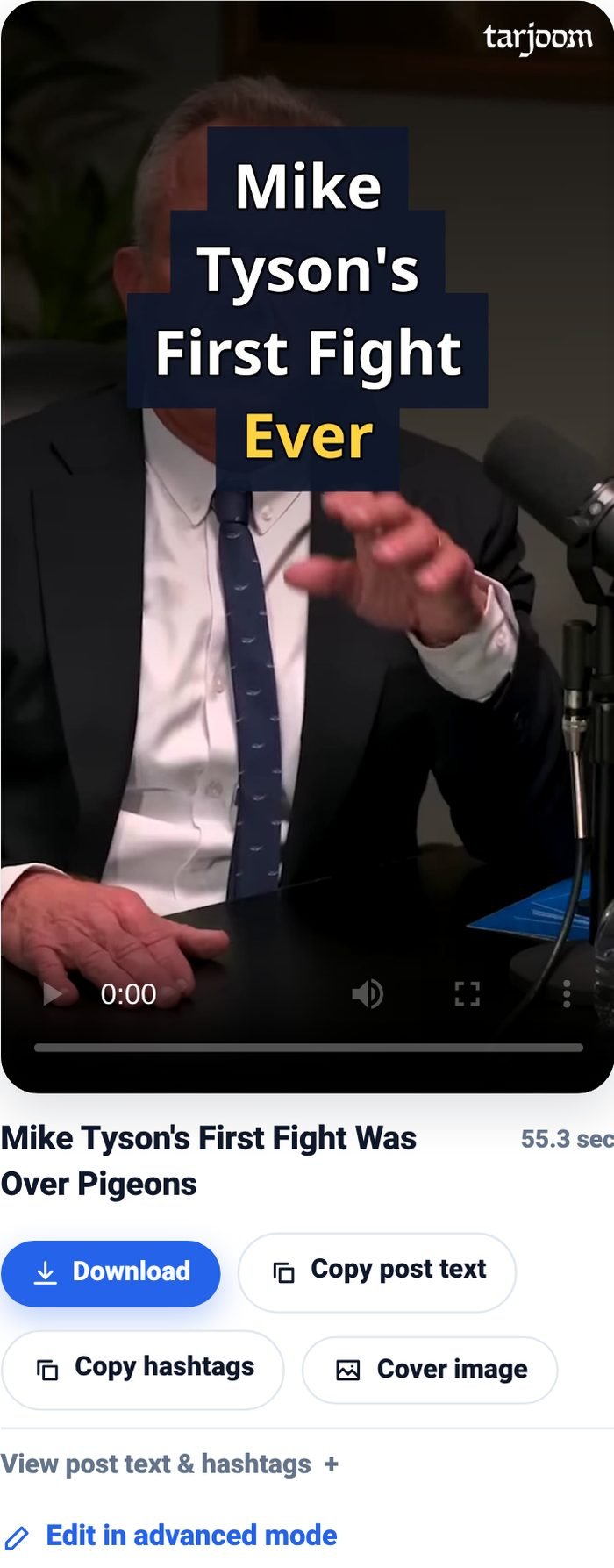
A caption written for each clip. Posting takes seconds, not a brainstorm.
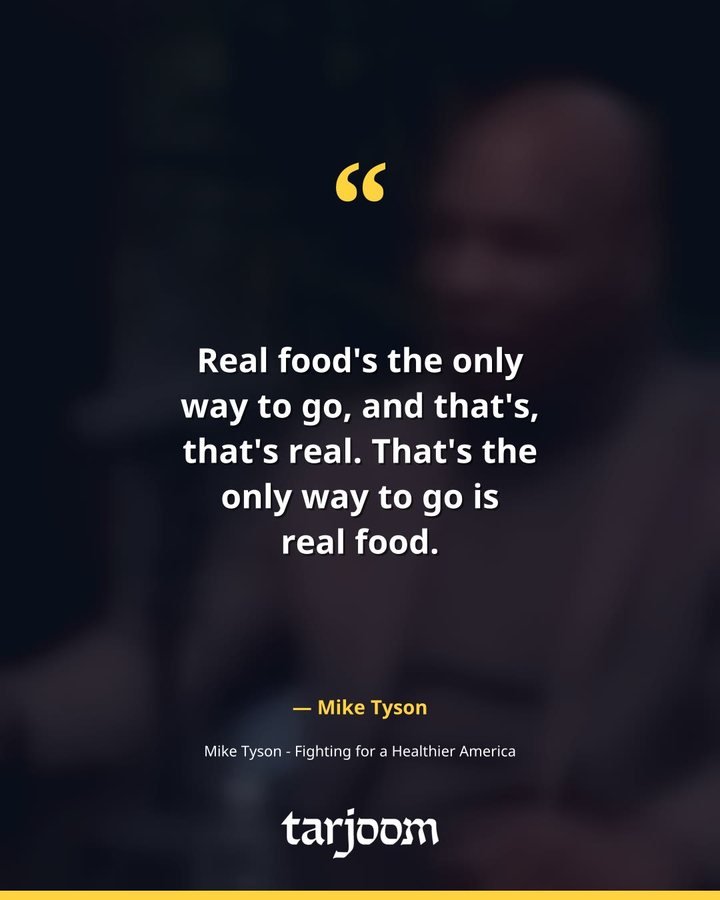
Titles, chapters, YouTube and podcast descriptions, summaries, a newsletter, posts for six networks, quotes and quote cards.
SRT and VTT files for your video platforms, plus a clean transcript in Word and text.
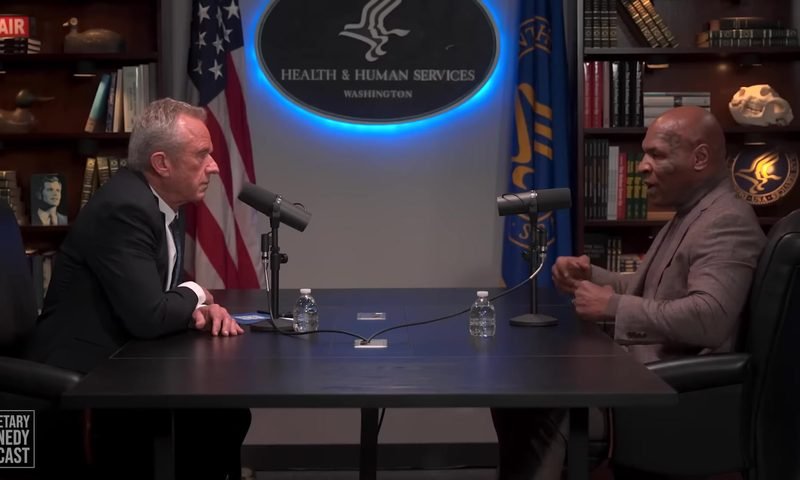
A real 15-minute interview, uploaded as is. These are the Shorts, trailers and covers Tarjoom delivered, straight out of the box.
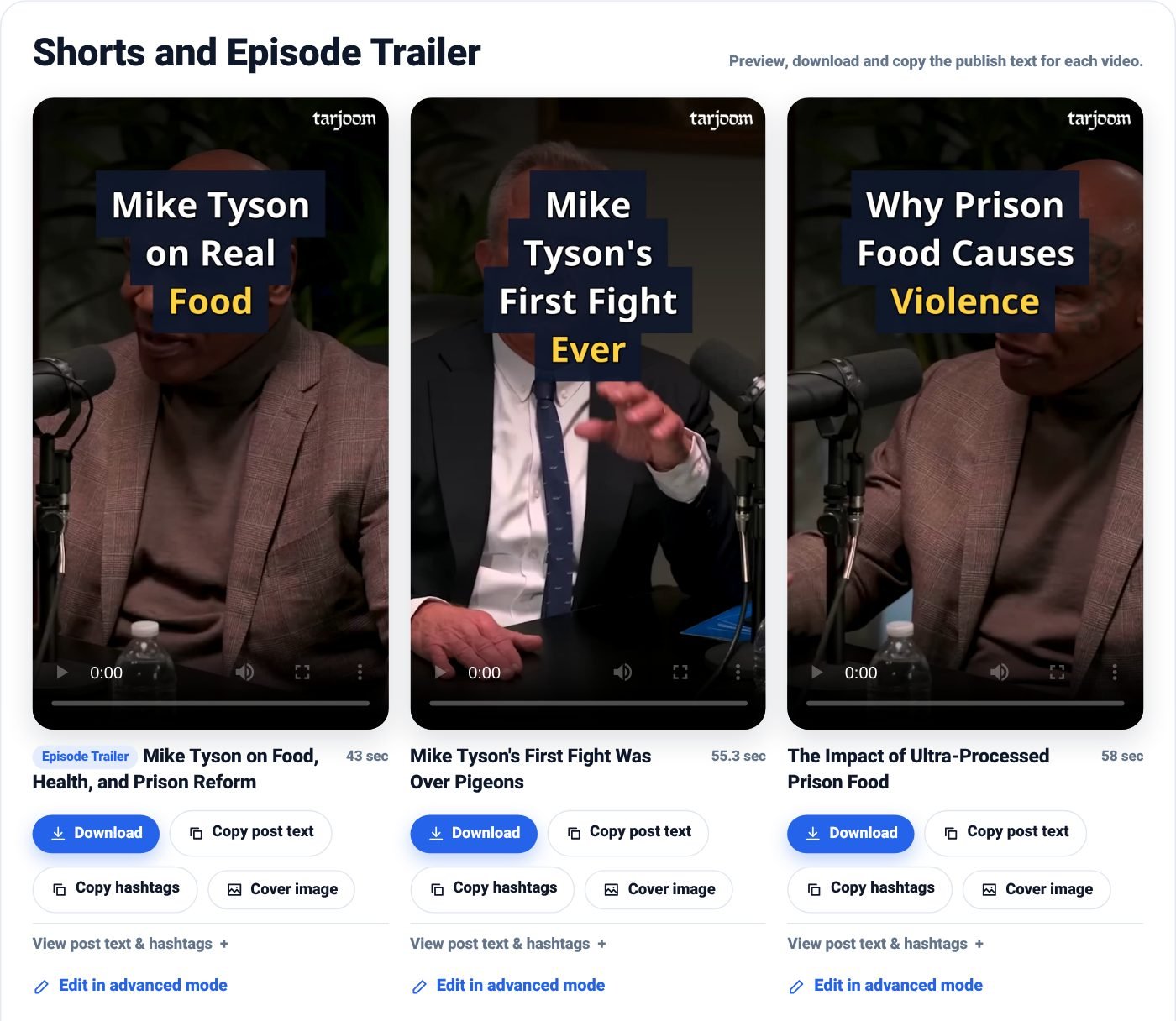
The results page: preview, download and copy the post text for every clip.
Tarjoom listens to the whole conversation and pulls out moments that make sense on their own: a clear opening, a payoff, no inside references. Filler words and long pauses are trimmed, so every second earns its place.
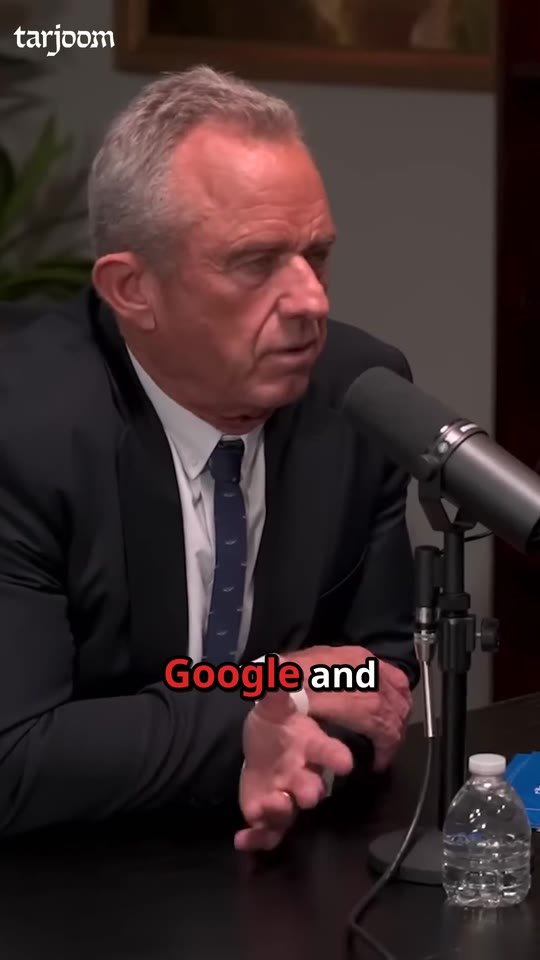
Every Short opens with a question or a promise on screen and runs with bold, word-by-word captions in your style. Most people watch on mute. They will still get it.
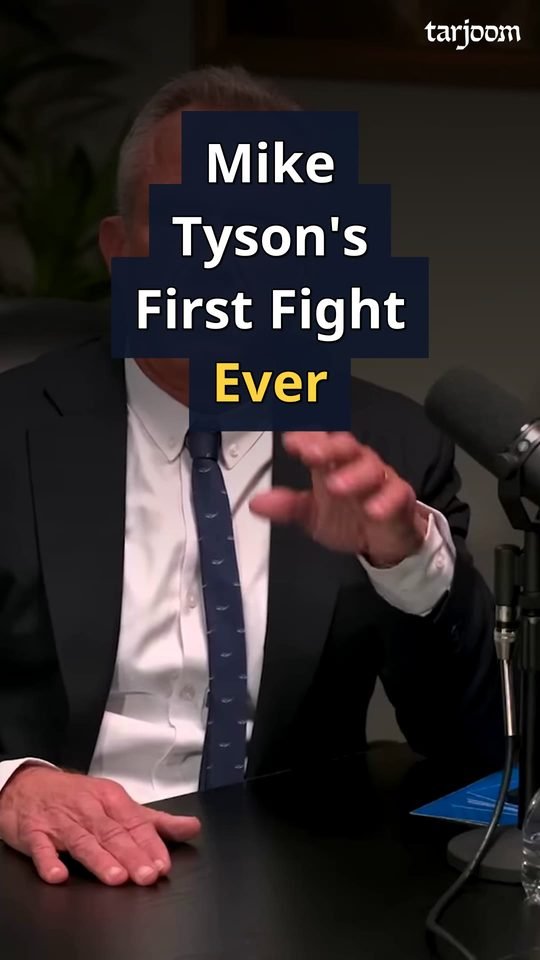
Your wide studio shot becomes a vertical video that stays on whoever is talking, follows the conversation and never cuts off a face.
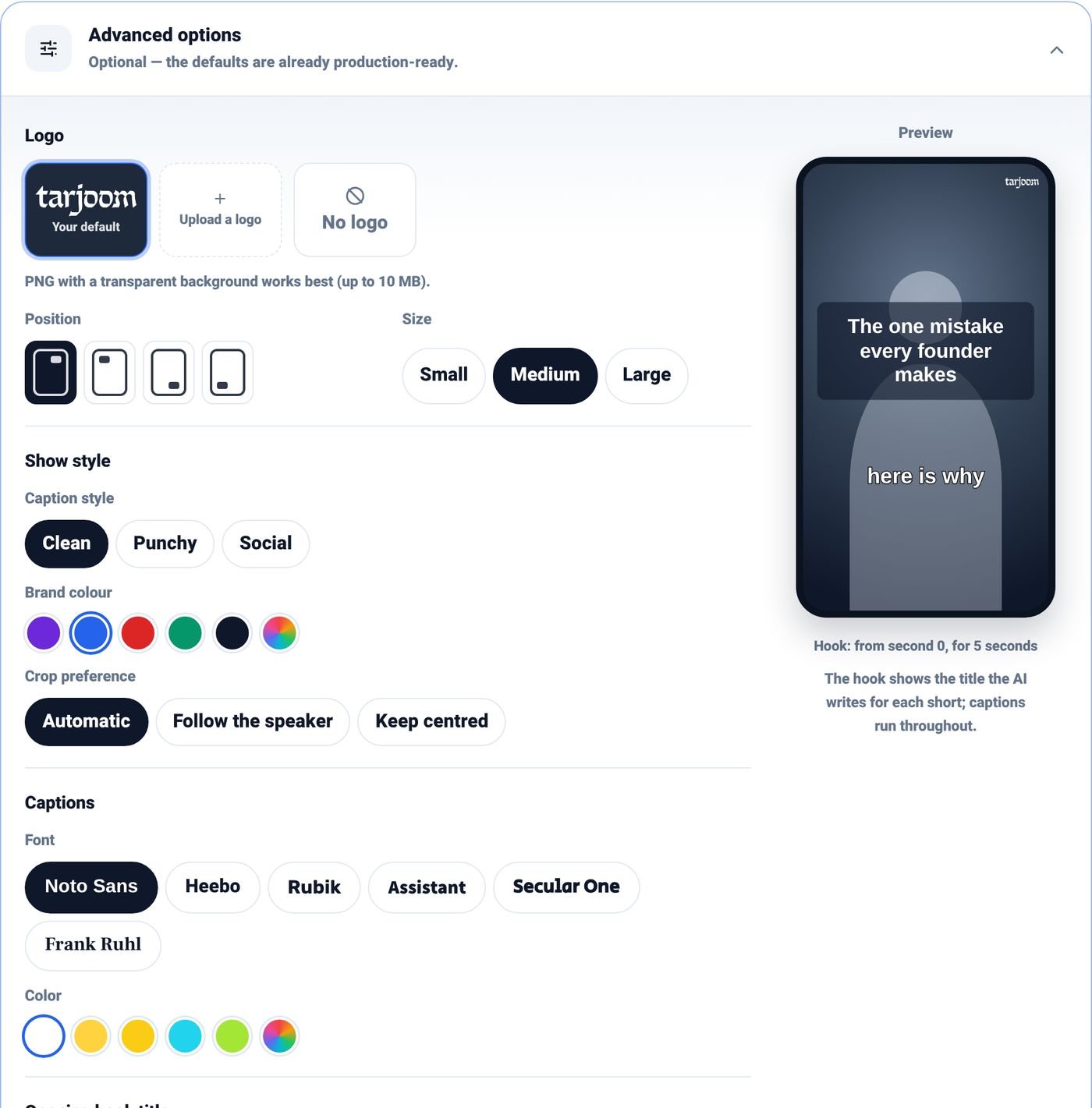
Add your logo, colours and caption style, and save them as a show profile. Producing five shows? Five profiles, one click each.
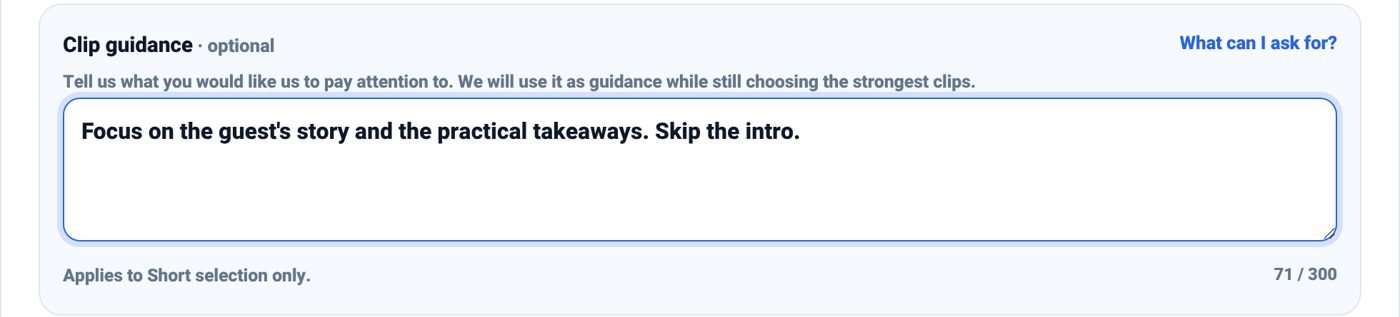
Want the business advice, not the small talk? Only the guest? The moments that will make people laugh? Write it in one sentence and Tarjoom looks for exactly that.
Focus on the guest's startup story and the practical advice. Skip the intro.
Episode titles, chapters, descriptions for YouTube and podcast apps, a newsletter, and posts written for Facebook, Instagram, LinkedIn, X, Telegram and WhatsApp. In the language of your episode, ready to copy.
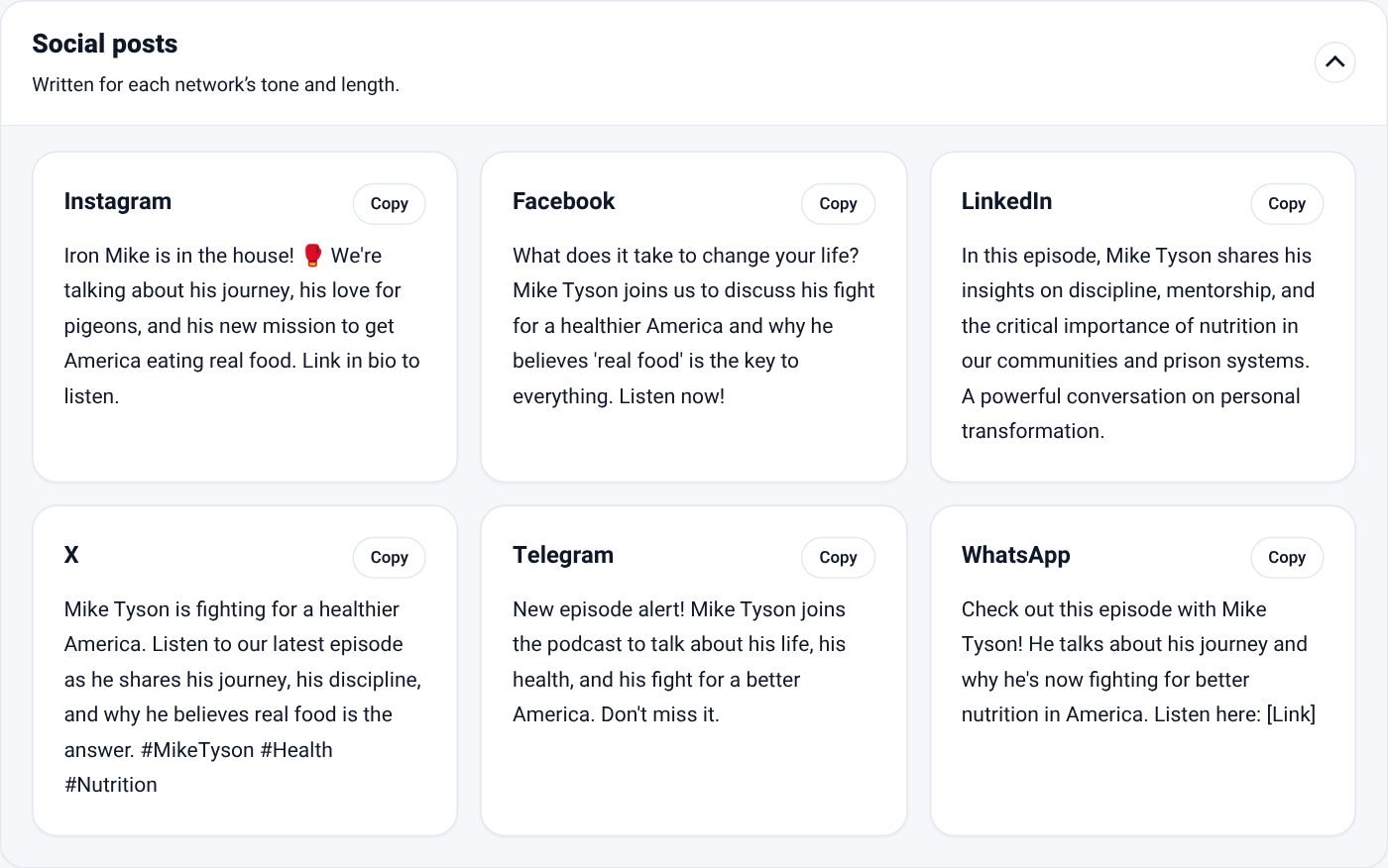
Right-to-left captions, punctuation and line breaks that look the way they should, not reversed or broken. Tarjoom also works with episodes in English, Arabic, Russian, French and Spanish.
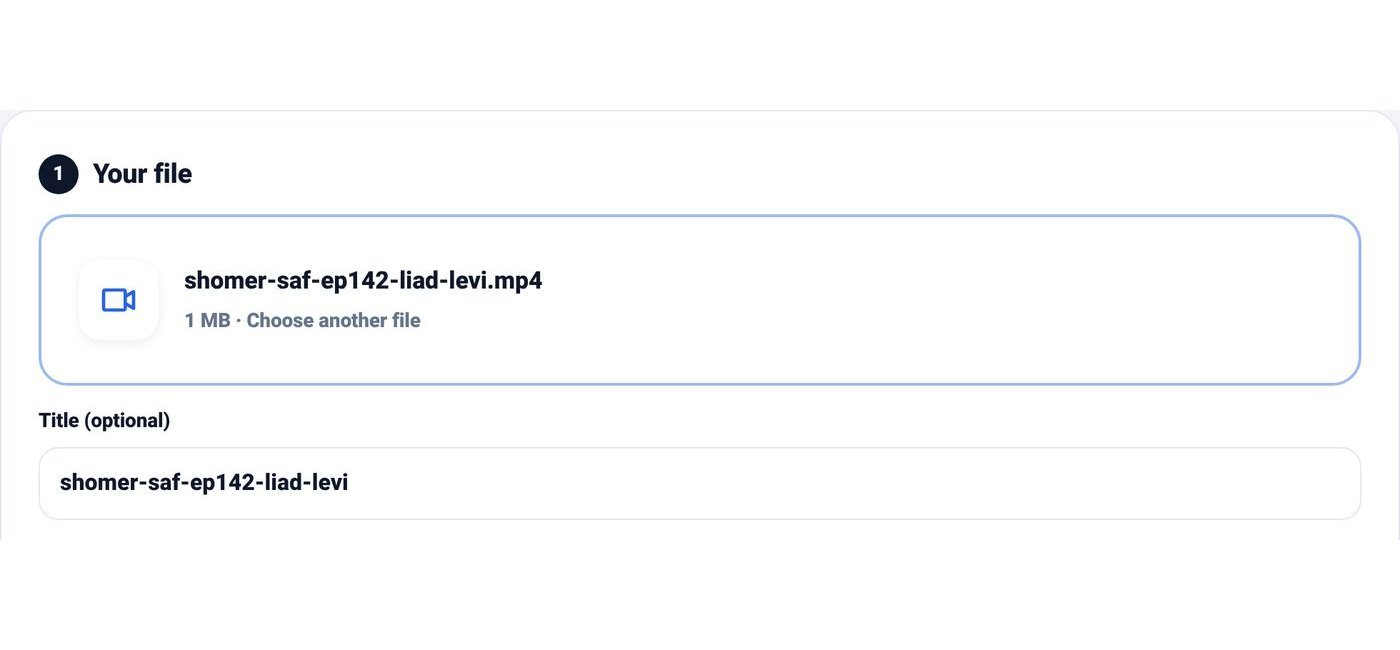
Drop in the video file, up to two hours long. Pick a show profile or keep the defaults.
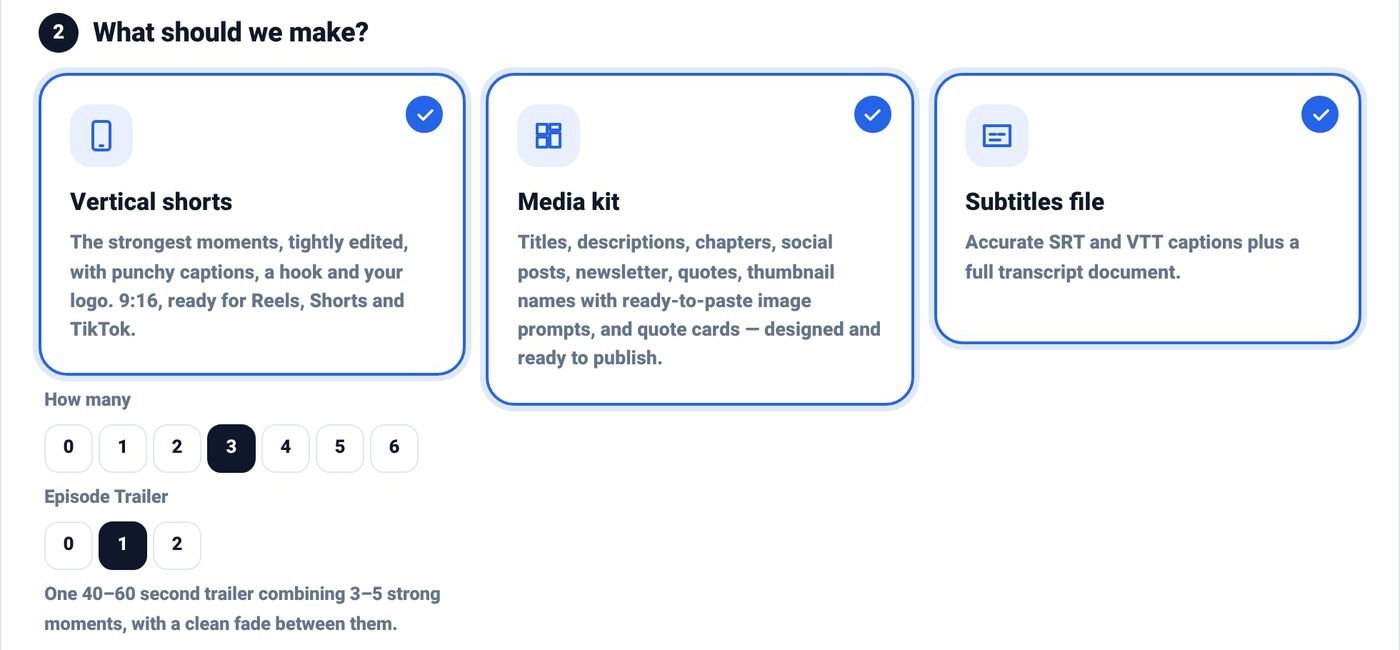
How many Shorts, whether you want trailers, the launch kit and caption files. Add a hint if you are after something specific.
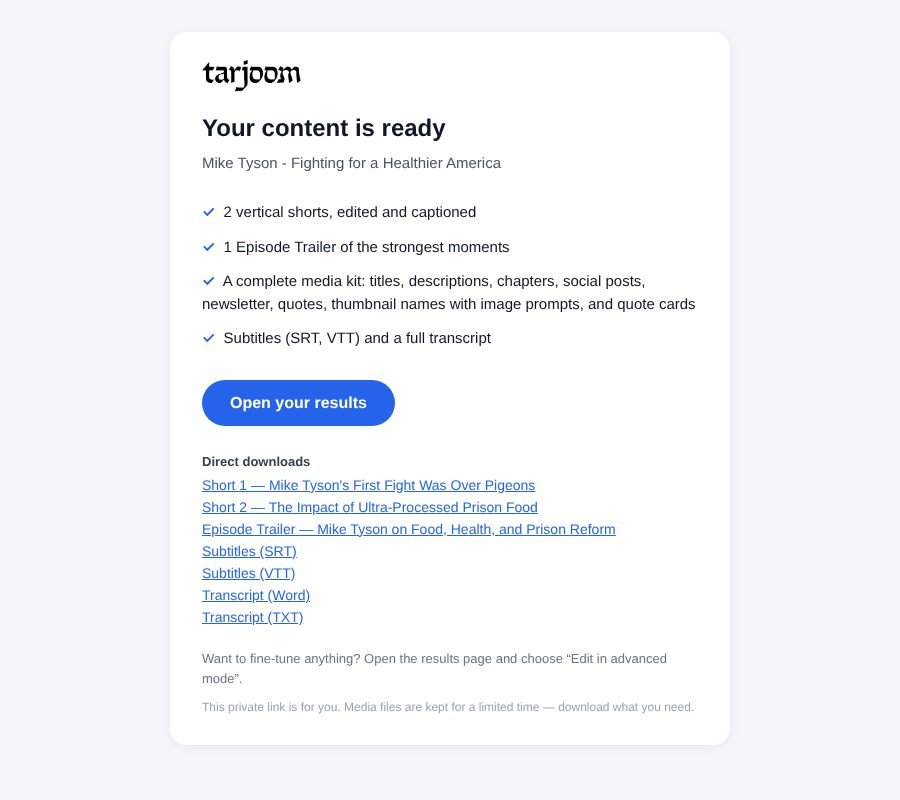
Go back to work. An email arrives with a private link to everything: preview, download and copy, on your laptop or your phone.
Not feeling a clip? Swap it for another moment from the same episode, or ask for more. Want to fix a word in a caption or move a cut? Every Short opens in a simple editor.
No. You upload, choose what you want and receive finished files. The editor is there if you want it, never required.
Most episodes are ready in under an hour. You get an email as soon as the first Short is ready and another when everything is done.
A video recording of your episode, up to two hours long. Audio-only episodes get the launch kit and caption files.
Yes. Your logo, colours and caption style go on every Short, and Tarjoom remembers them for next time.
You do. Your files stay private, behind a link that only you and the people you share it with can open. Nothing is ever posted for you.
Up to 15 minutes of your episode, one Short, one trailer and a launch kit. Free.