One profile per show. Zero setup per episode.
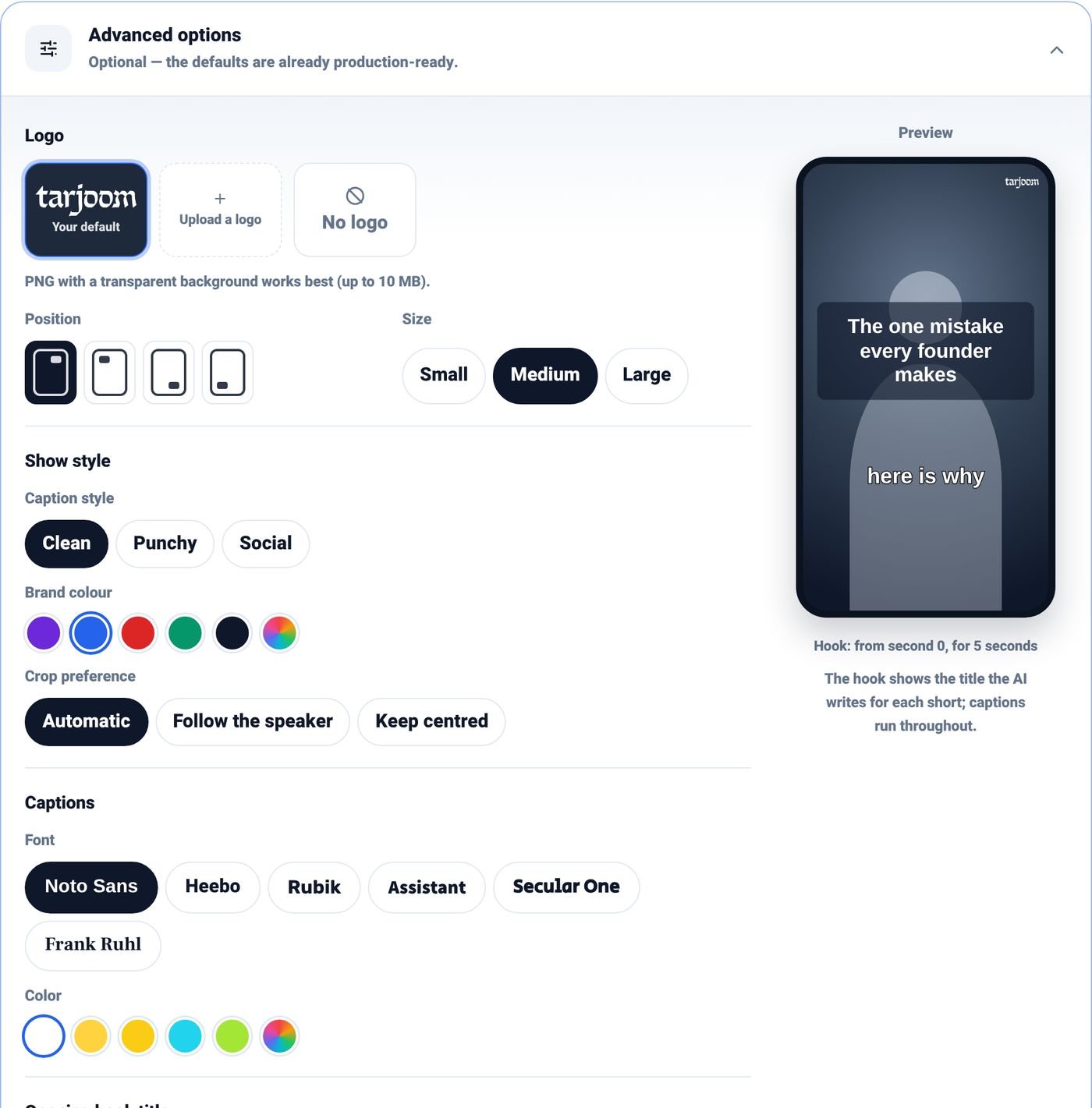
Save each client's logo, colours, caption style and hook design once. Every episode you upload under that profile comes back looking like their show, not yours, and not like a template.

For podcast studios and networks
Hand every client their episode with a full content package: Shorts, trailers, covers and launch copy in their own branding. No extra editors. No extra days.
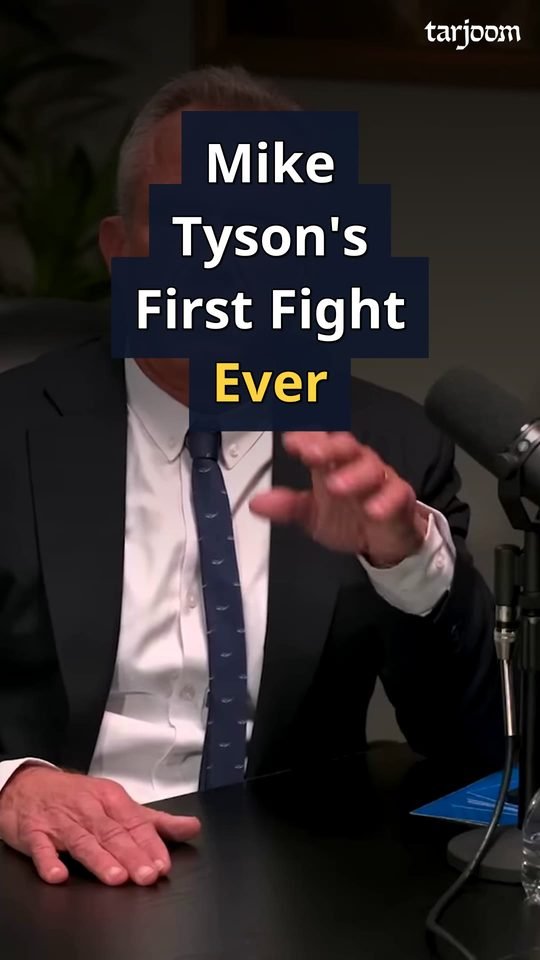
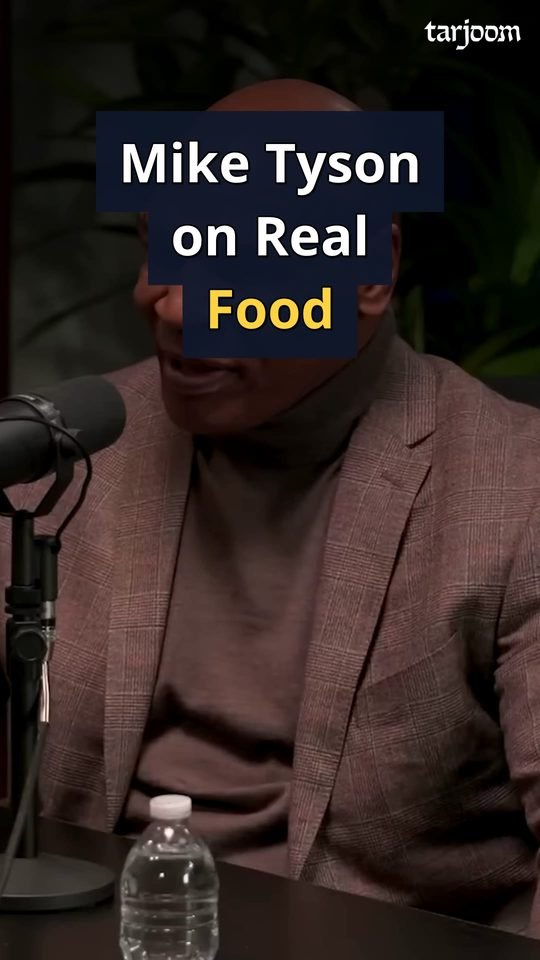
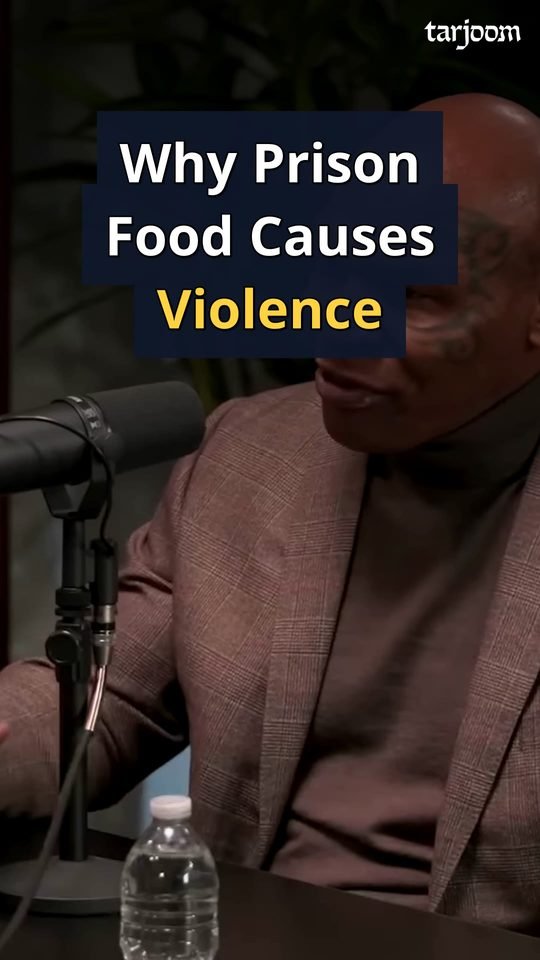
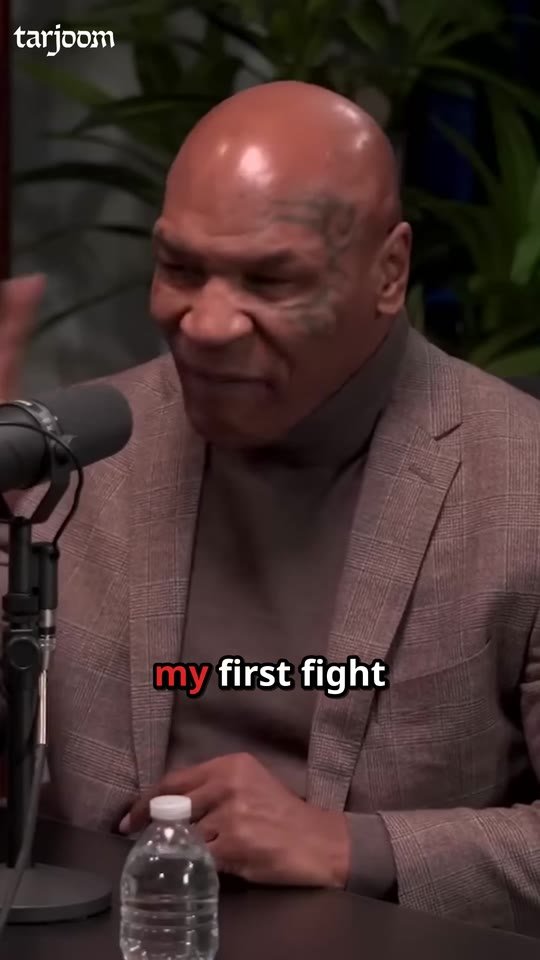
Offer clip packages and launch kits with every recording. At under €50 an episode, the margin is yours.
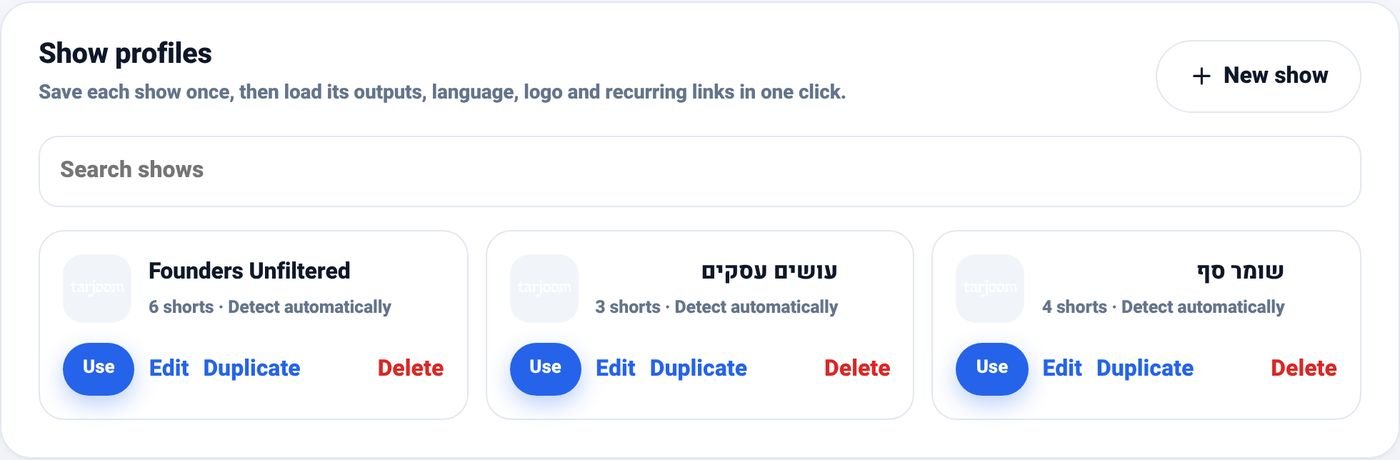
Each show gets its own profile: logo, colours, caption style and hook design. Pick the profile, upload, done.
Clients get their Shorts on the day they record, while the episode is still news.
Send the client a private link to preview, download and copy everything. No ZIP files over WhatsApp.
Tarjoom makes the first version of every clip. Your team polishes the ones that matter instead of starting from zero.
Prepaid episode credits, shared across your account, that never expire. You know your cost before you send the quote.
Save each client's logo, colours, caption style and hook design once. Every episode you upload under that profile comes back looking like their show, not yours, and not like a template.
Show profiles in Tarjoom: pick the show, and its look is applied to everything.
Your client heads home with the episode still fresh.
Two minutes: drop the file, choose the show, choose the outputs.
Tarjoom works on its own. Your team doesn't wait for it.
Shorts, trailers, covers and launch copy, usually within the hour, ready to post.
Studio prices are set up on your account after a short call. Studios that join now keep this price.
Write to us and we'll set you up with a plan that fits your volume.
Your first episode is free. No commitment.